In development Recovery · Repair · Encode · Security
Built to
get it done.
We engineer systems that adapt to how people actually work, from operational software shaped around a business to desktop tools that hold up when something goes wrong. Across technology, cybersecurity and media, we go after the problems that don’t have a settled answer yet.
The products
Real problems, solved properly.
A drive that’s dying. A computer that keeps breaking. A video that’s too big to send. A file you’re not sure about. Different problems, one standard of engineering.
-
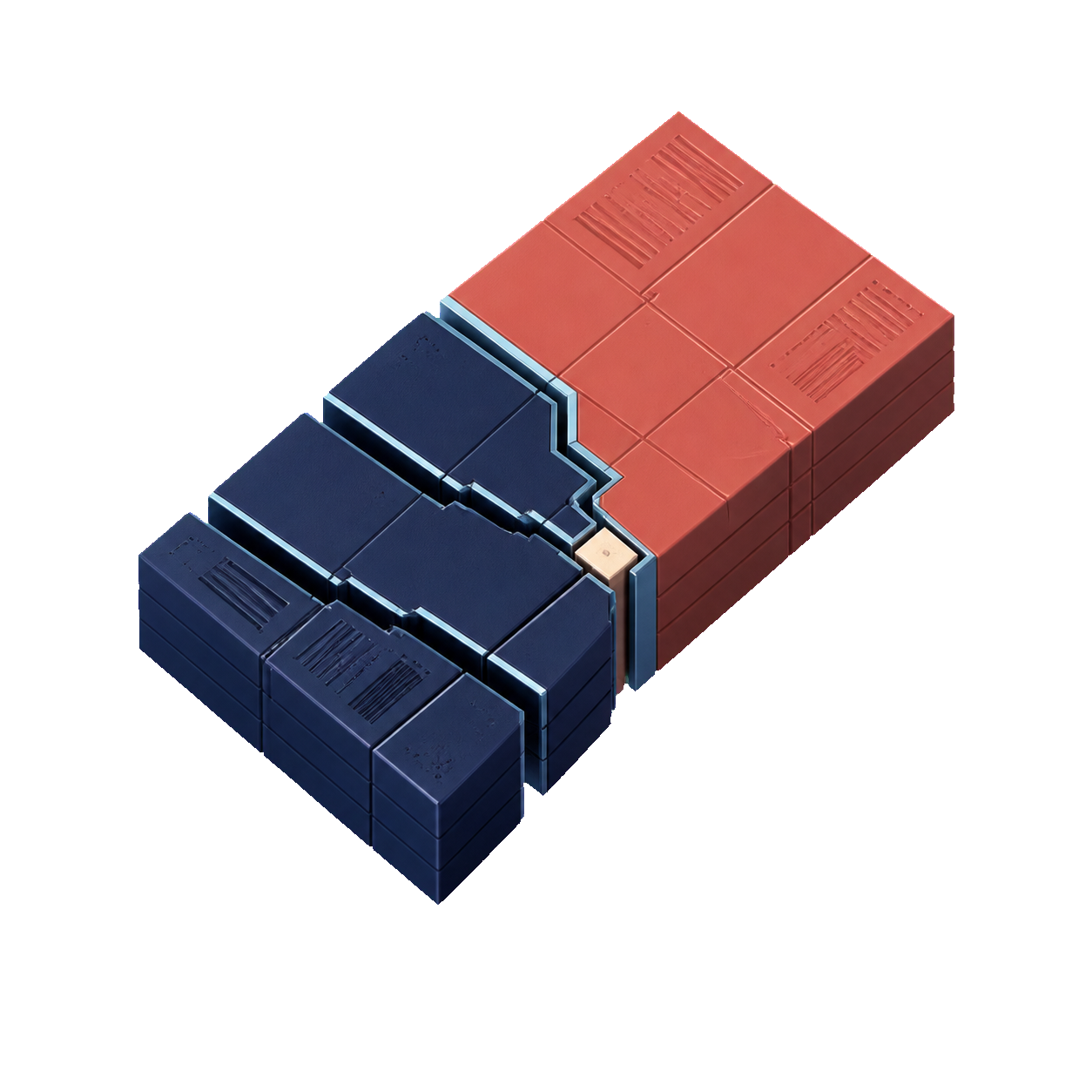 Pulsar Recovery
Get files back from a failing, formatted or unreadable drive, without writing to it.
Pulsar Recovery
Get files back from a failing, formatted or unreadable drive, without writing to it.
-
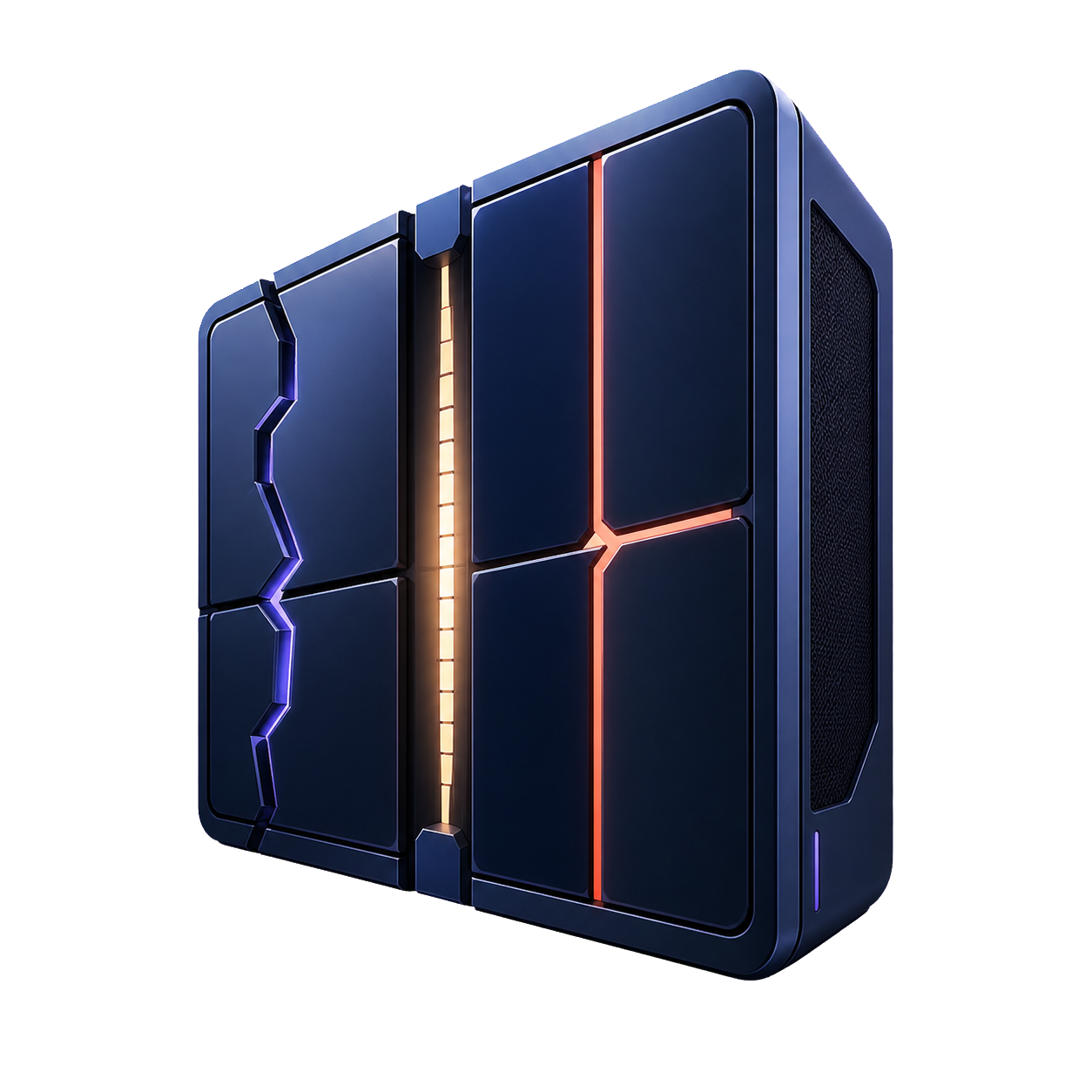 Pulsar PC Repair
Find out what is actually wrong with a computer, then fix it in a way you can undo.
Pulsar PC Repair
Find out what is actually wrong with a computer, then fix it in a way you can undo.
-
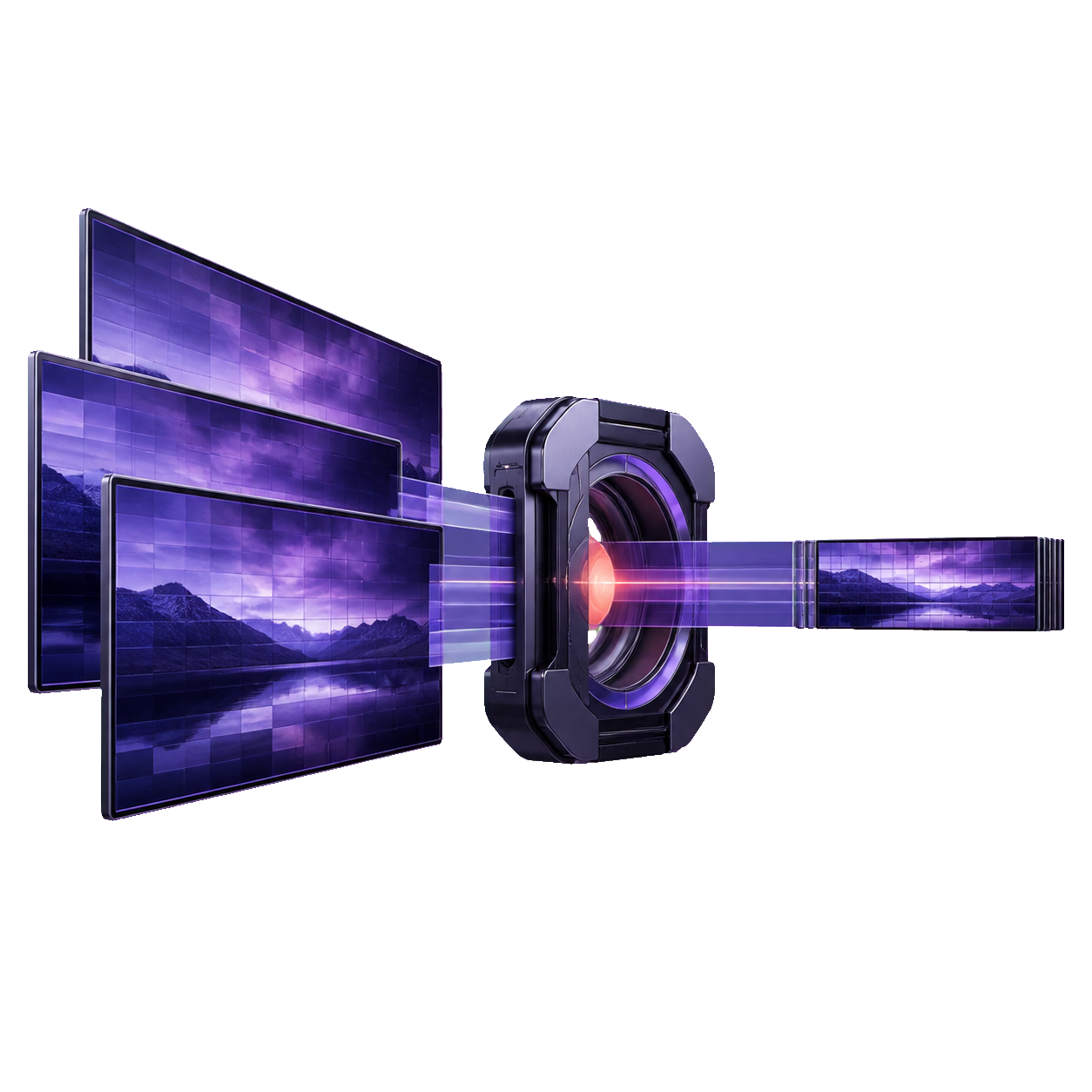 Pulsar Encode
Make large video files smaller, choosing the quality you want instead of the settings.
Pulsar Encode
Make large video files smaller, choosing the quality you want instead of the settings.
-
 Pulsar AntiVirus
A second opinion on the files you don’t trust, running alongside Defender.
Pulsar AntiVirus
A second opinion on the files you don’t trust, running alongside Defender.
01 Pulsar Recovery
Get the data back. Leave the drive untouched.
A failing disk gets worse every time something writes to it, and almost everything running on a computer writes constantly. Pulsar Recovery only ever reads. It copies the drive first, works from that copy, and saves whatever it recovers to a different disk entirely.
-
Copy first, investigate later
A dying drive may only cooperate once. Pulsar reads the responsive areas quickly, skips around the bad ones, returns to them from the opposite direction, and scrapes the difficult edges last, so you capture the most data in the fewest passes.
-
An interruption doesn’t cost you the run
Progress is written down as it happens. Pull the cable, lose power, or restart in the middle of a twelve-hour copy, and it picks up exactly where it stopped once it has confirmed it is looking at the same drive.
-
Arrays and NAS volumes, rebuilt read-only
JBOD, RAID 0/1/5/6/10, Storage Spaces, mdadm and LVM, and common Synology SHR and QNAP layouts. Where the original configuration has to be worked out, it shows you the reasoning it used and lets you overrule it.
- Filesystems
- NTFS, FAT12/16/32, exFAT, ReFS, ext4, HFS+, APFS
- Disk images
- RAW/DD, E01 and Ex01, VHD/VHDX, VMDK
- Ways to work
- Guided walkthrough, full technical detail, or forensic mode
- Source drive
- Opened read-only at all times, never written to
BitLocker-protected drives are identified up front, so you know what you are dealing with before you start. Pulsar Recovery will never ask you for your recovery key.
02 Pulsar PC Repair
Find out what’s wrong. Fix only what you agree to.
The usual pattern is a scan, an alarming number, and one enormous Fix button that never says what it did. Pulsar PC Repair shows you the evidence behind every finding, how certain it is, and exactly what a repair would change, then asks for administrator rights only once you have approved that specific plan.
-
It reads the machine, not a made-up score
Event logs, system files, update history, drivers, disk health, network, services, startup items and crash reports, all correlated into real findings instead of being counted into a number.
-
Findings you can check for yourself
Each one shows the evidence behind it, how confident the diagnosis is, which parts of the system it affects, and what repairing it would involve.
-
A deliberately short list of repairs
System file repair, service recovery, network resets, and trusted driver rollback or reinstall. By design it cannot run arbitrary system commands, so its reach is fixed and known in advance.
-
A snapshot before anything changes
Every repair is preceded by a restore point, recorded in a log that cannot be edited after the fact, checked afterwards to confirm it worked, and reversible if it didn’t.
- Administrator rights
- Requested per repair, never held open
- Reports
- HTML, JSON or PDF, personal detail removed by default
- History
- Kept on your machine, for as long as you choose
- Updates
- Signed and verified before they install
03 Pulsar Encode
Compression that measures the footage first.
Most encoders ask you for numbers you would have to be a specialist to choose well. Pulsar Encode asks what you want out of the file instead, and works out the rest for you.
-
Pick the outcome, not the settings
Recommended holds a careful quality floor while cutting size. Smaller file pushes harder. Maximum quality raises the bar for the worst scene, not just the average. Lossless keeps the picture identical.
-
It measures your footage first
Before committing, it examines the video and runs real test encodes on pieces of it, then decides scene by scene where the quality is actually worth spending.
-
Review it before you keep it
A built-in player, a side-by-side comparison against the original, and an inspector for the technical detail if you want it.
- Your source file
- Never modified, moved or replaced
- Lossless mode
- Decoded picture verified identical, audio copied
- Every output
- Checked before it is handed back to you
- Queue
- Survives crashes, cancellation and restarts
04 Pulsar AntiVirus
A second opinion, running next to Defender.
Leave Microsoft Defender switched on. Pulsar AntiVirus does not replace it, disable it, or quietly add exclusions to it. What it adds is a scanner sealed off from the rest of the system, and a quarantine that holds onto whatever it catches until you decide otherwise.
-
The scanner is boxed in
Each scan gets a firm memory and processor ceiling, no system privileges, and exactly one folder it is allowed to write to. When the scan ends, that box is destroyed with it.
-
A quarantine that actually holds
Captured files are encrypted and held by a system service rather than by the app, so nothing running as you can reach inside. Releasing one requires a fresh scan, and it will never overwrite a file that has since come back on its own.
-
Trust belongs to files, not folders
Marking a whole project, build or game folder as safe is an open invitation, so it isn’t offered. Something new inside a familiar folder is still something new.
- Microsoft Defender
- Status read only, settings never changed
- Scans
- Single file, folder, quick or full, all cancellable
- While you’re playing
- Scheduled scans wait, detection never relaxes
- Monitoring
- Watches for ransomware and driver changes, and alerts you
Pulsar AntiVirus is an on-demand scanner and monitor, built to work alongside Microsoft Defender rather than replace it. Keep Defender switched on for real-time protection.
Be first to know when they ship.
Every Pulsar Dynamics tool is in active development. Tell us which one you need most, and we’ll let you know the moment it’s ready.